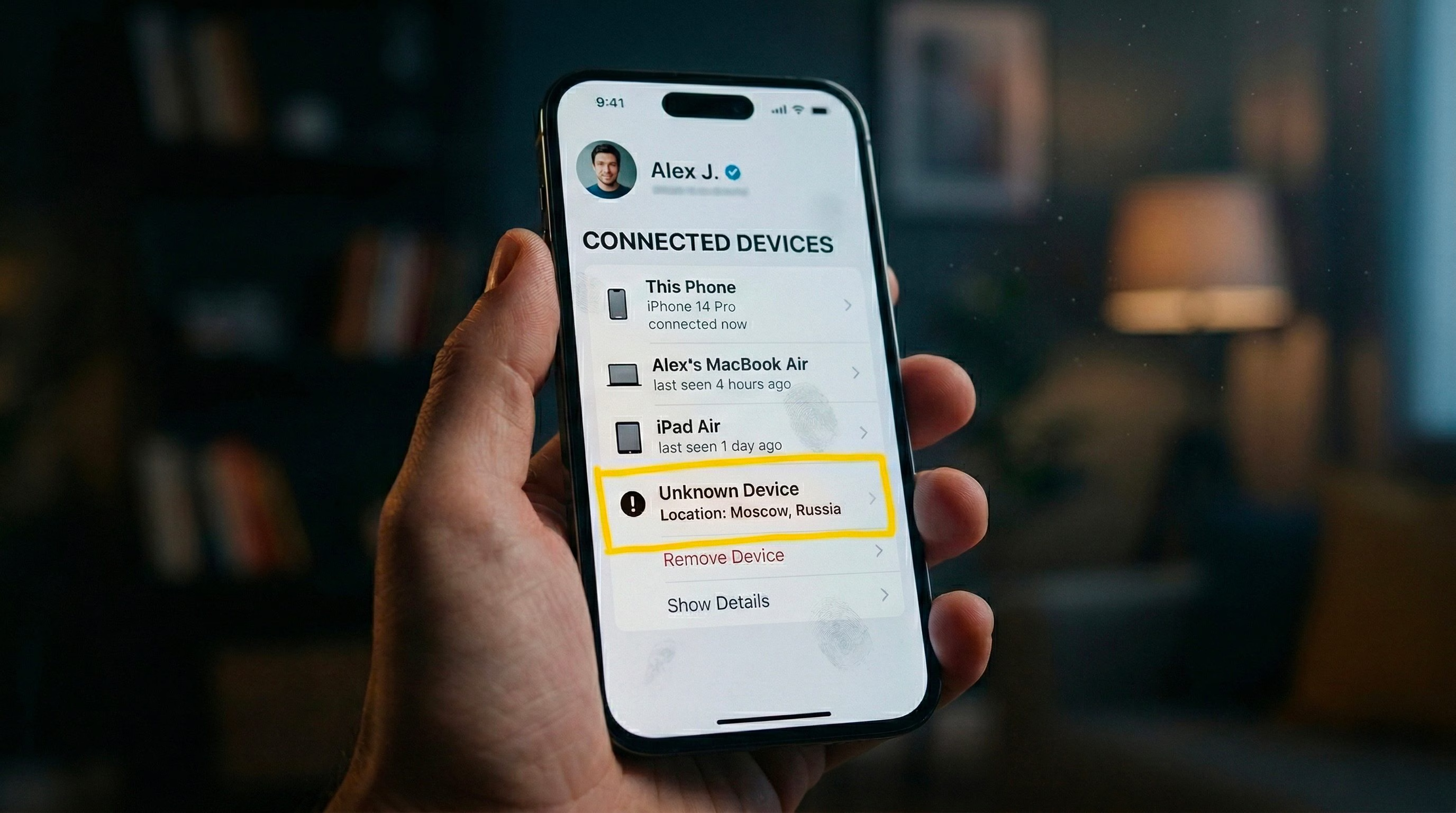
In our magazine we have documented various hacker attacks that have taken control of accounts using more or less sophisticated techniques and, in many cases, without the affected users being able to notice the intrusion in time. This can be the most disturbing part of being the victim of a cyber attack: remaining unaware of the situation and only realizing it when it is too late. Yet it is possible to do something to understand if someone is using our account without permission and, in this in-depth analysis, we will see how to do this by catching some warning signs in time. We will also see what to do immediately after the intrusion into our account to limit the damage and also how to prevent someone from sneaking into our profiles in the future.
Alarm signals: how to notice the intrusion
Let’s start from an important point. The one that concerns learning to pick up some warning signs that suggest a possible intrusion into our accounts. The clues we can identify may be different. One of the most frequent signs of unauthorized access is receiving unexpected security notifications. Many online services automatically send emails or SMS when they detect a login from a new device or an unusual geographic location. If we receive a message that you’ve logged in from a city or country we haven’t visited recently, it’s worth checking the situation immediately. Another common clue concerns all those aspects that fall within the so-called “ghost activity”: messages sent that we do not remember having written, posts published on social media that we knew nothing about, emails that have already been read or deleted without us having opened them, and so on.
Changes to your account settings are also an important sign. Changes in your recovery phone number, secondary email, or even profile photo can indicate that someone has taken control of your account and is also trying to keep it, kicking you out of your account and preventing you from getting back in. In still other cases, the anomalies could be of a financial nature: unauthorized online purchases, subscriptions activated without consent or unknown transactions on the card associated with digital services. An even more obvious (and worrying) sign is when your password suddenly stops working. This may mean that someone changed it after you logged in.
Fortunately, almost all platforms allow you to check the list of connected devices. In email services, for example, you can check your login history. In the case of Gmail, just scroll to the bottom of the inbox, click on Details and open the section dedicated to the latest account activities: a window shows the devices from which the profile was used and the approximate location of the accesses.
A similar mechanism also exists for the Apple account. On iPhone and iPad, simply open your device settings, tap your name, and scroll to the list of devices associated with your account. On Mac the procedure is similar: from the system settings you can see the connected devices by clicking on their name and obtain information such as model, serial number and operating system version.
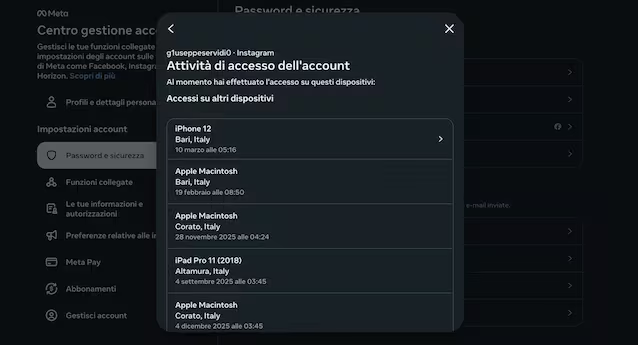
The various social platforms obviously also offer similar tools. As regards Instagram and Facebook, by going to this page of the Meta Account Management Center and then following the path Password and security > Devices from which you logged in > (account) it is possible to have a summary of the accesses made.
Something similar is also available for WhatsApp. By going to the You/Settings > Connected devices section you can see the computers or browsers connected to the messaging app and disconnect them if they are unknown accesses.
What to do next if your account has been hacked
If we suspect that someone has actually entered our account and we are still able to access it, the first action to take is to change the password immediately. It’s important not to just change the old password slightly: those who have already had access may have saved it or deduced it from recurring patterns. Better to use a highly complex password, perhaps created using a password generator, such as those integrated into the most common password managers.
The second step is to expel any intruders. Many platforms include an option that allows you to simultaneously log out all devices linked to your account. This function forces you to log out of your computer and smartphone, interrupting any active sessions.
The third control concerns the permissions granted to external applications. We often use our main account to access other services through integrated authentication systems. These links are managed through permissions granted to third-party software. If we find applications that we don’t recognize or no longer use, it’s good practice to revoke access immediately.
However, if we are no longer able to log in because the password has been changed, it is necessary to start the official recovery procedure provided by the platform. Since the procedure varies from one online service to another, it may be useful to look for useful information in the Help Center of the service that has hacked us. In parallel, if the account is linked to payment cards or financial services, it may be appropriate to verify the transactions and, if necessary, temporarily block the card.
How to prevent someone from entering our accounts in the future
For the “prevention is better than cure” series, we conclude with some useful tips to prevent someone from entering our accounts.
- Enable two-factor authentication: This system requires two different proofs of identity to access an account. In addition to the password, a temporary code generated by a dedicated app or sent via SMS is requested. This way, even if someone figures out the password, they can’t get in without the second verification factor.
- Use a password manager: This is software designed to store and generate strong passwords. The main advantage is that we can use different credentials for each service without having to store them all manually.
- Adopt good digital hygiene practices: this concept includes a whole series of habits that reduce the risk of account compromise. From avoiding clicking on suspicious links, to paying attention to phishing attempts (such as fraudulent messages that imitate official communications to steal credentials) and keeping operating systems and applications updated.