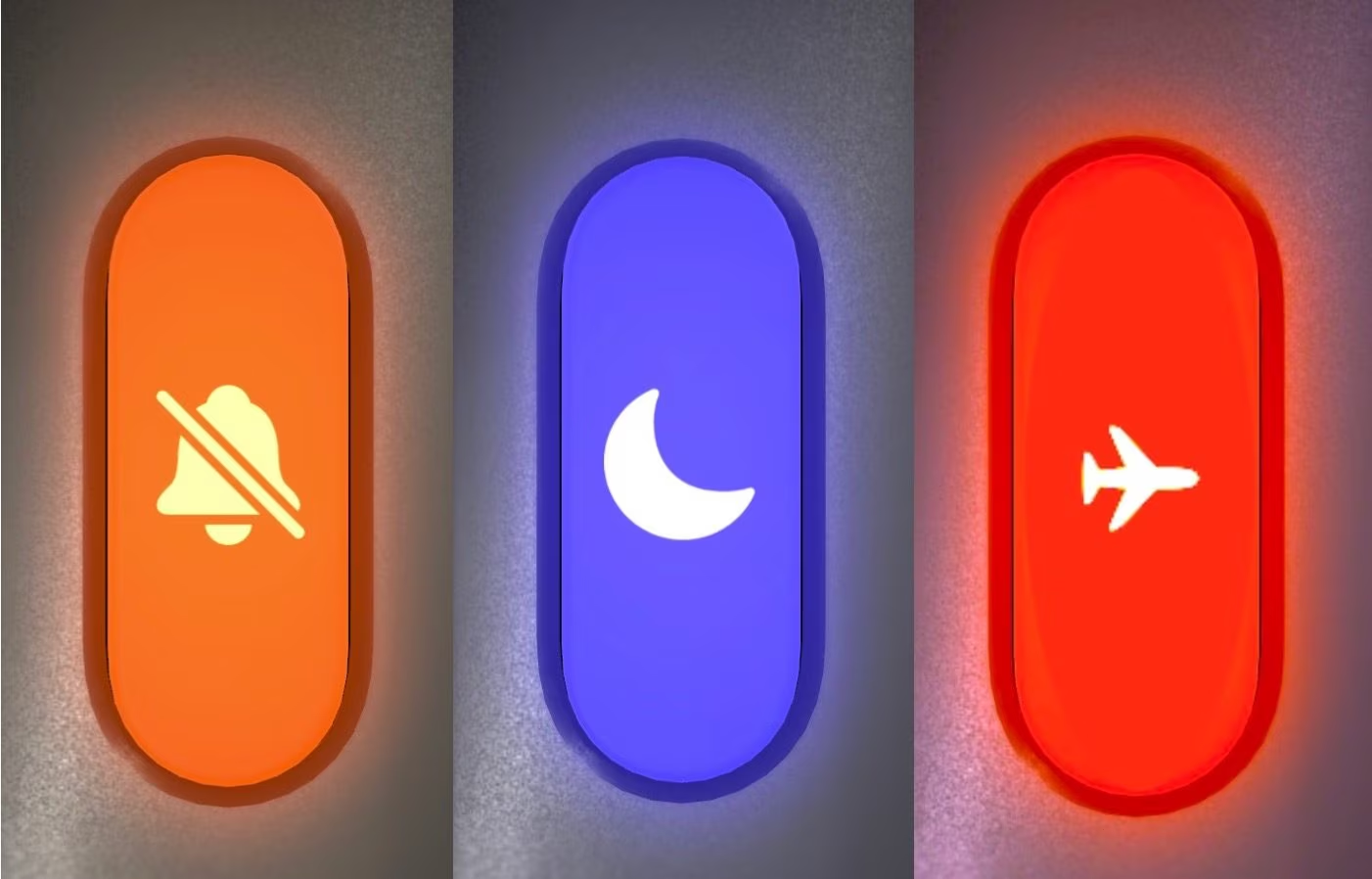
Android notification curtain or iOS Control Center clearly visible on the screen and the doubt about which mode to activate so as not to be interrupted during your next meeting. Silent, Do Not Disturb and Airplane mode are three options that we have all used for years but which, deep down, we use somewhat intuitively, often treating them as if they were all the same. In reality they hide completely different mechanisms, with very different effects on the drums too. Let’s see them one by one.
Silent mode
Let’s start with Silent mode. This is the simplest and most direct option: it just removes the audio. Nothing else changes. The connections all remain active, the messages continue to arrive in real time and the lock screen lights up promptly with each notification and each call. Depending on your settings, vibration may also remain active. This is the perfect choice when you need to respect silence – during a lesson, at the cinema, at the theater or in a quick meeting – but you still want to keep an eye on every incoming message with a quick glance at the phone.
Do not disturb
A step forward in terms of sophistication is undoubtedly represented by the Do Not Disturb mode. When this is active, the network works as usual, but everything that would normally disturb you, such as sounds, vibrations, the screen turning on, is blocked. The phone remains silent and dark, even when a notification arrives.
In the latest versions of Android and iOS, some versions of this mode are available that can be customized to your liking and based on the actual use of the phone. On the iPhone, for example, it is possible to create and activate what Apple calls Full immersion, a sort of “Do Not Disturb on steroids” that allows you to inhibit calls and various notifications when certain conditions occur and even select specific apps and contacts that can be excluded or involved in the activation of the setting.
Airplane mode
Airplane mode plays on a completely different level: it turns off the phone’s radio modules, the components that send and receive wireless signals. With just one touch, the cellular modem is instantly deactivated and you will no longer receive calls or SMS. Wi-Fi and Bluetooth are obviously also turned off, completely isolating the device from any external communication.
Wi-Fi and Bluetooth can still be turned back on manually later, but the phone line remains blocked until airplane mode is turned off. Originally designed to avoid interference with on-board instruments during flights, this function is also useful on the ground, when you really want to unplug or find yourself in areas without coverage.
The differences in terms of consumption
From a consumption point of view, activating one mode rather than another can lead to saving more or less battery. In the case of Silent mode, energy saving is essentially absent. The phone continues to be connected and communicate with the outside world. With Do Not Disturb active, there is a minimum amount of energy saving, but it is still negligible. This is because the screen does not turn on and the haptic engine (the one that makes the phone vibrate when receiving a notification or a call) remains still, but the processor and connections continue to work in the background and therefore the battery continues to drop almost as usual. Airplane mode, on the other hand, by blocking all connections, eliminates the energy that the phone spends to stay connected to the network. And the benefit is even more evident in areas with little coverage: there, a switched-on phone consumes a lot of battery precisely because it continues to desperately search and search for a weak signal. With airplane mode active, this search stops completely, ensuring the greatest possible energy savings.