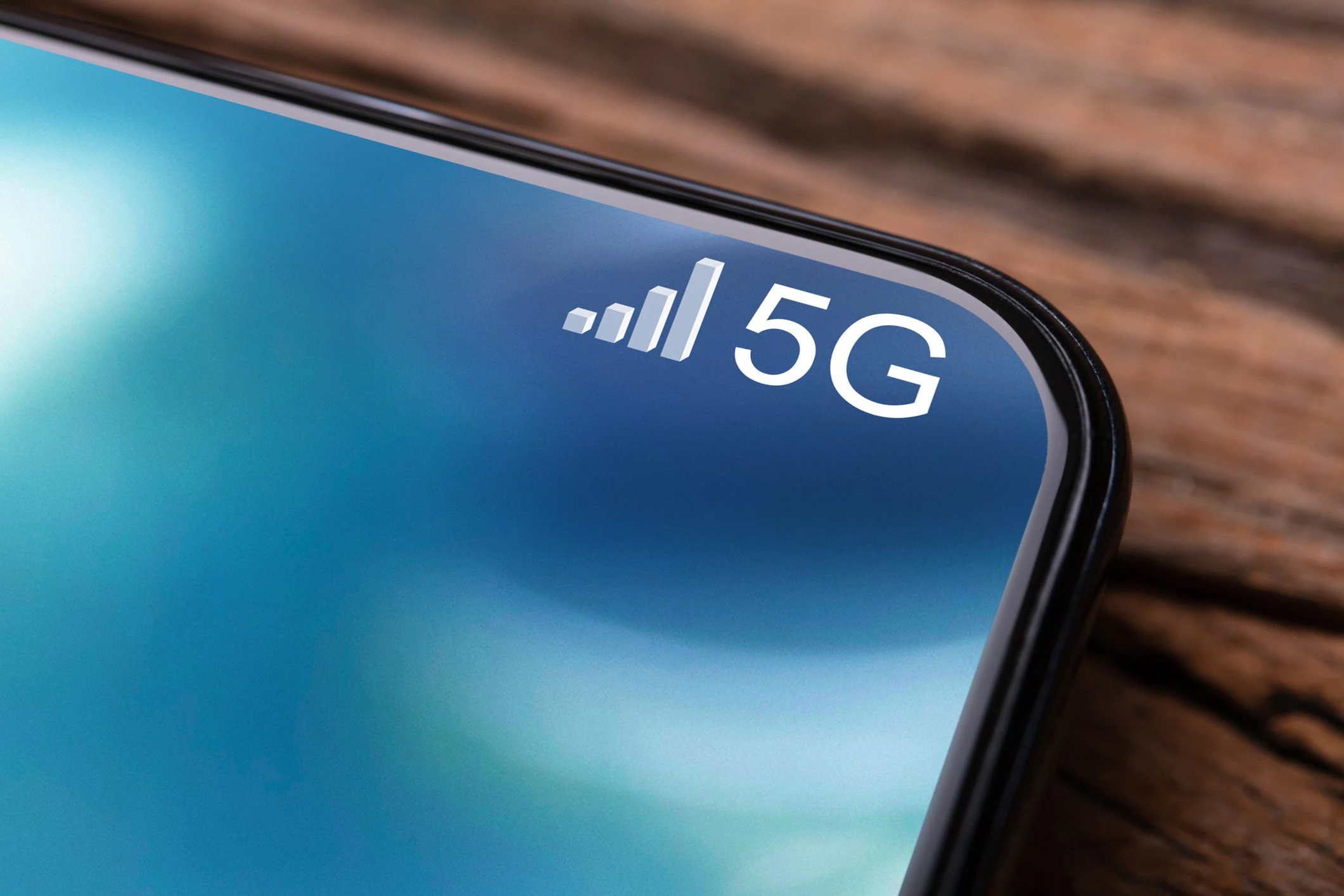
The Wi-Fi or data connection bars are all full, yet the web page loads very slowly, a video suddenly stops or a WhatsApp message remains waiting to be sent. It may seem strange and in some ways even counterintuitive, but having full bars does not always mean a perfect connection. These simply indicate the strength of the radio signal according to criteria established by the phone manufacturer, but do not guarantee that the network is able to transmit data efficiently. Let’s see what this means in detail by analyzing more closely why sometimes the cell phone has a full signal, but the Internet is not working.
Different algorithms, different signals: the notches of the smartphone
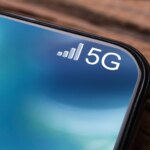
Steve van Skike, senior manager of testing and regulation at Nextivity, a company that develops processors and devices to improve cellphone reception, told the tech news site Digital Trends that there is no universal standard that establishes what signal level each notch should correspond to. Each manufacturer can adopt a customized algorithm with which to transform the information collected by the phone’s radio into an indicator that is graphically understandable to the user.
In general, a greater number of bars indicates a better signal but, as the expert just quoted explains, “there are cases in which interference or capacity problems may occur and there may be many signal bars, but this does not mean at all that the service is reliable”.
The crowding of cell phones
This is because power is not the only factor that determines the quality of your Internet signal. Let’s think for a moment about a crowded stadium, for example during a football match or a concert: even if your phone receives a good signal, thousands of people could try to use the network simultaneously. As a result, the connection can become slow or unreliable, even if the phone’s display shows all or almost all signal bars.
The reason is that the mobile network not only needs to reach the device, but also handle the traffic generated by users. When you connect, your phone communicates detected radio conditions to the network. The network, in turn, tries to assign the most suitable resources, choosing elements such as the technology used, the frequency band and the communication channel. This means that if the crowding of cell phones in the area is high, the quality of the connection will suffer.
The Internet connection indicator not updating in real time
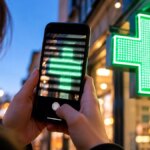
Then there is another detail: the indicator may not update in real time. In some tests carried out by van Skike, phones were observed left for over 15 minutes without changing the number of bars displayed. In such cases, what is shown on the screen may not reflect the actual signal conditions at a given time. This is why moving the phone a few centimeters, lifting it above your head or moving away from/closer to a window may not necessarily produce immediate and visible changes in the indicator.