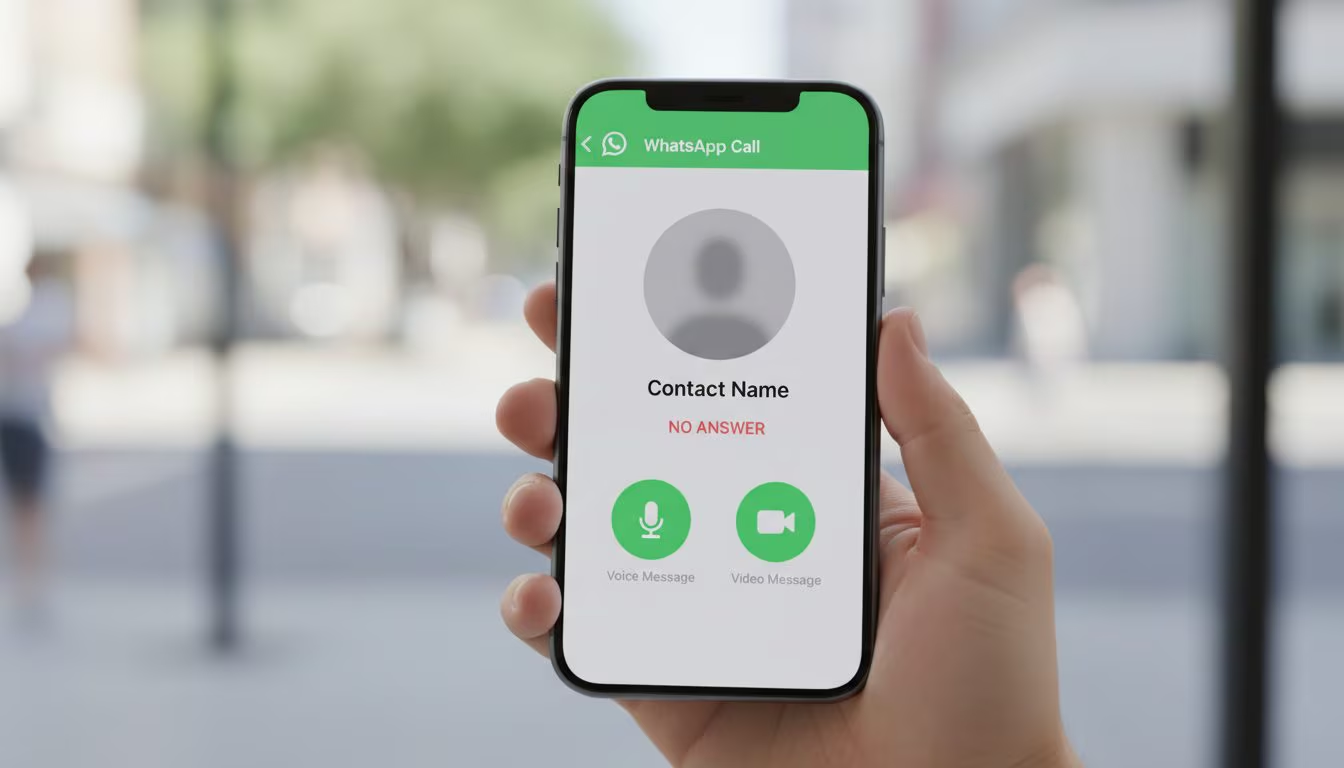
The version of WhatsApp for iPhone could soon include some interesting new features regarding the Calls section. With the latest updates for iOS (identified by version 25.35.74), the messaging application is rolling out a new interface that centralizes every voice and video interaction, optimizing user reaction times. The heart of this innovation lies in the advanced management of missed calls: if the recipient does not answer, dedicated buttons will appear through which to instantly record a voice message or a video note, which will be delivered directly into the conversation together with the missed call notification. This dynamic acts as a sort of WhatsApp “Answering Machine” (although, to be precise, the feature is not called that), ensuring that urgent information is transmitted immediately, even in the absence of instant contact with the person who did not answer the call. All these new features, identified by the portal WABetaInfo (specialized in finding and disseminating new WhatsApp features) are already in the global release phase.
What’s new in the “Calls” tab of WhatsApp for iPhone
Analyzing in detail the structural changes highlighted in changelog of the update, we notice that the new “Calls” tab for iOS has been redesigned to offer a much cleaner and more efficient interface. The first element that catches your eye in this new “hub” is the “Call” button. This command opens access to the entire list of contacts registered on the platform, allowing not only to start individual conversations, but also to launch group calls that can support up to 31 participants at the same time. The design is designed to make it easier to search for names, highlighting recent interactions and suggestions based on frequency of contact.
Another significant addition is the dedicated call scheduling button. By tapping “Schedule” you have access to the function that allows you to organize future calls, both for personal and professional purposes, sharing the event directly within the chat. Once the call has been scheduled, all participants receive an automatic notification, a system designed to reduce the risk of forgetting or misunderstandings about times and appointments. The flexibility is total: it is possible to change the time or cancel the event while always remaining within the hub, thus maintaining centralized management. Next to this we find the keypad button, which opens the dialer.
How WhatsApp for iPhone “Voicemail” works
In addition to the aesthetic reorganization, WhatsApp has also implemented an “Answering Machine” system to be used when necessary. When you make a voice call and no one answers, the interface immediately offers you the “Record voice message” button. We can, therefore, press it and leave an audio on the fly without intermediate steps. The same principle applies to video calls: if the attempt is unsuccessful, a convenient option to record a short video note appears.