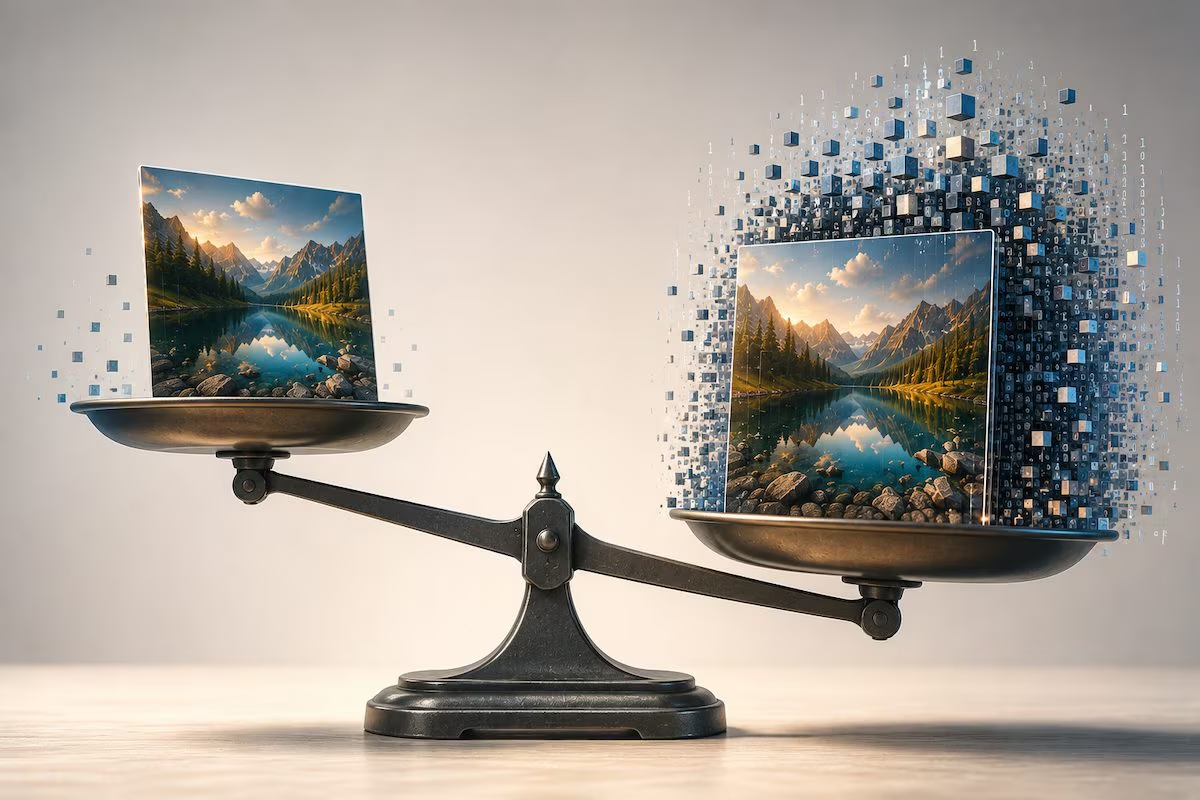
A digital photograph can occupy a few hundred KB, while another, apparently similar, can exceed 30 MB. The difference does not depend only on the visual rendering: the number of pixels, the amount of information associated with each of them and the system used to compress them come into play.
The size of a file also depends on how the image is saved. In fact, each solution offers a different balance between quality, weight, compatibility and possibility of modification. Understanding these mechanisms allows you to choose the most suitable option for storing a photograph, processing it, publishing it online, printing it or sending it without unnecessarily burdening the device.
Because the same photo can weigh 300 KB or 30 MB
A digital image is made up of pixels to which numerical values are associated that describe their color. Even before applying these data reduction systems, the weight is mainly affected by resolution and color depth, that is, how many dots form the photograph and how much information is recorded for each one.
A simplified calculation helps to understand the aspect ratio: a 12 megapixel RGB image, with 8 bits for each of the three color channels, would require approximately 36 MB if the values were stored without compression. Algorithms serve precisely to reduce this amount of data.
The subject also has an impact. A smooth sky contains many similar areas and is easier to compress than a scene full of leaves, hair, fabric, or digital noise. Thumbnails and metadata, such as color profile, camera model, shooting settings and GPS coordinates, can also be added to the file.
The key distinction is between lossy compression (lossy), which discards part of the information to further reduce the size, and the lossless one (lossless), which allows you to exactly reconstruct the saved values. A larger file, therefore, is not automatically better, just as more megapixels do not in themselves guarantee higher quality images.
JPEG, PNG, WebP, HEIF and RAW: what are the differences
JPEG is the most common format for photographs. In the modes normally used, it applies adjustable lossy compression: by reducing the quality, the weight of the file decreases, but blocks, halos and loss of the finest details may appear. The very broad compatibility makes it suitable for messages, social networks and sites. It is therefore preferable to avoid re-saving the same file several times, because each new export can lead to further recompression.
PNG uses lossless compression and can include an alpha channel to handle different levels of transparency. It is suitable for logos, icons, screenshots, texts and graphics with sharp edges. On a traditional photograph, however, it can take up much more space than a JPEG without offering a commensurate visible advantage.
WebP, designed for the web, can operate in both lossy and lossless modes and also supports transparency and animations. It often allows you to lighten the pages while maintaining a yield comparable to that of JPEG or PNG. However, it is a good idea to check that it is accepted by the target program or platform.
HEIF is a container capable of enclosing one or more images, sequences and metadata. HEIC is one of the most popular extensions for HEIF content encoded via HEVC. It is used especially on modern devices because it allows you to maintain good quality while taking up less space than JPEG. Compatibility, however, is not universal: with older applications or devices it may therefore be necessary to create a copy in JPEG.
RAW does not indicate a single extension. Cameras and smartphones compatible with this shot can generate proprietary files, such as NEF, CR3 and ARW, or use the DNG format. These files contain only a limited amount of processed data and leave more room for correcting white balance, exposure, highlights and shadows. They generally take up more memory and must be “developed” with suitable software before publication.
Which format to choose to share, edit or print
To send a photograph, publish it on social media or guarantee maximum compatibility, JPEG is generally the most practical choice. PNG is preferable for logos, screens and content with a transparent background, while WebP is suitable for online publishing when the system used supports it.
HEIF or HEIC can be maintained to store photographs taking up less space. Before transferring them elsewhere, however, it is advisable to check that the recipient is able to open them. RAW should be preserved when greater margin is needed in post-production, but it is not intended for direct sharing.
For printing, it is not just the number of megabytes that matters, but the dimensions in pixels and the final resolution have an impact more than anything else. However, the format and parameters required may vary, so it is always advisable to follow the instructions of the laboratory or printer.
How to save a photo without ruining it or making it too heavy
The safest rule is to keep the original and export a copy intended for specific use. If the content will only appear on one screen or within an online article, there is no need to maintain the original resolution of the shot, reducing width and height can reduce weight more effectively than extreme compression.
During export you need to choose the format, set the dimensions and adjust the quality by observing the preview, when available. There is no ideal percentage for every photograph: a very detailed scene shows artifacts before a uniform composition and the same value can correspond to different results in different programs.
For content intended for the Web, it is normally best to use the sRGB color profile, which is widely supported by browsers and devices. Metadata can be kept in the personal archive. Before publication, it is possible to remove unnecessary ones, especially geographical coordinates, if you do not want to make the location of the shot known.
How to convert a photo to the most suitable format
The procedure is similar in most applications and online tools: you need to open a copy of the image, select the Export, Save As or Convert command and set the format, quality and resolution. The new file must then be reopened to check its sharpness, colors, transparency and compatibility with the chosen destination.
Conversion can make a photograph lighter or easier to open, but it does not recover information lost during compression. A JPEG transformed into PNG then remains without the details previously eliminated. Likewise, saving a photo as RAW does not transform it into the raw signal originally captured by the sensor. The conversion therefore serves to adapt the file to the intended destination, not to reconstruct data that no longer exists.