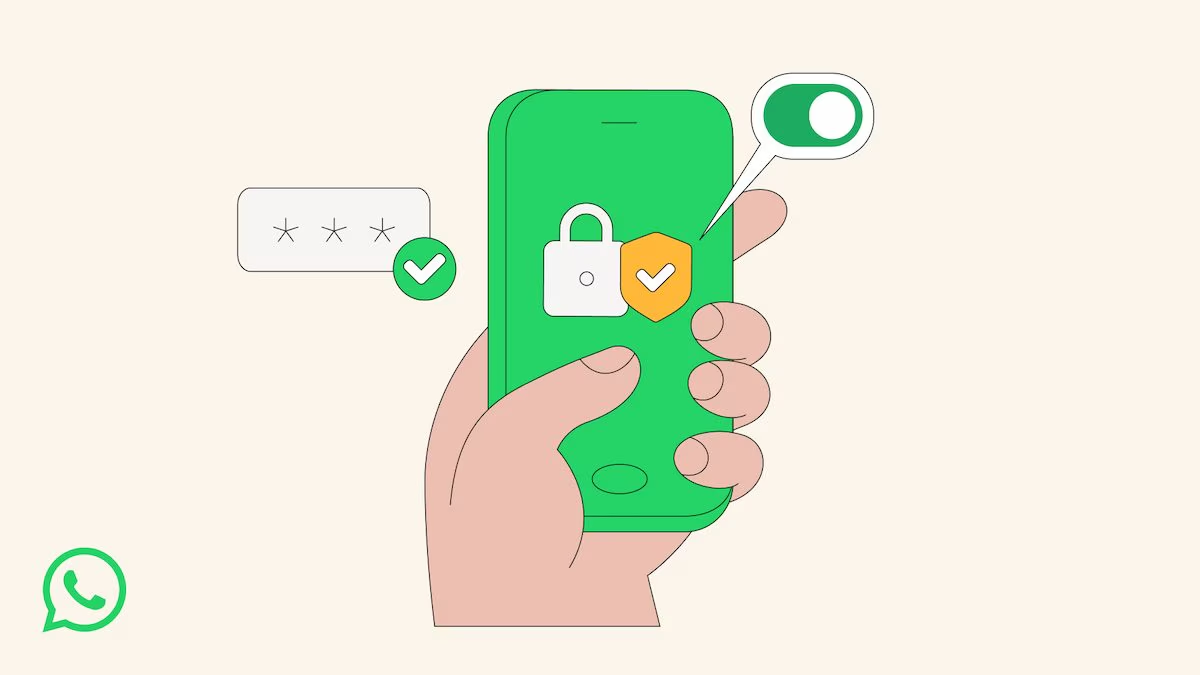
A few days ago, Meta introduced a new defense mode within WhatsApp, called Strict Account Settings. This feature acts as an advanced digital protection, specifically designed to reduce the attack surface available to potential malicious actors. Enabling this option radically changes the behavior of the application, imposing severe restrictions on how users interact with numbers not saved in the address book. Once enabled, in fact, the platform automatically blocks the download of multimedia files and attachments from unknown people, silences calls from unknown numbers and disables link previews, thus preventing common infection vectors such as phishing or malware payloads via images. At the same time, maximum privacy settings are forced: your profile photo, online status and personal information become invisible to anyone who is not in your contacts, and adding you to groups is limited only to people you know.
This move comes at a delicate moment for the Menlo Park company, currently at the center of a legal dispute regarding the management of privacy, and is proposed as an “extreme protection” tool designed mainly for high-risk figures such as journalists or public figures (as happened in Italy with the Paragon case), although it can be activated by anyone on their main smartphone, which remains the only device from which it is possible to manage this configuration.
How WhatsApp Restrictive Account Settings Works
Delving deeper into the technical functioning of this new security protocol, we observe that activating Restrictive Account Settings triggers a chain reaction in the app configurations. It’s not just about blocking unwanted messages, but about activating 2FA or two-step verification by default. For those who aren’t aware, 2FA is an authentication method that requires two different pieces of evidence to confirm the user’s identity: usually the password and a temporary code. At the same time, the system enables security notifications that warn if the encryption code of a contact changes, a signal that could indicate a compromise of another’s device or a change of phone.
The philosophy behind this implementation is that of minimizing exposed data. When we activate this shield, WhatsApp “obscures” the user’s presence on WhatsApp from the outside: the time of the last login, the profile photo and the account information are made inaccessible to anyone who is not present in their address book. Social interaction is also drastically filtered, as only saved contacts (or specific selected exceptions) retain the privilege of adding us to chat groups. This mode, defined by Meta itself as a functionality «lock-down style», was designed to reduce vulnerability to cyber attacks by limiting the functionality of the app itself. It is a calculated compromise: part of the openness of the platform is given up to lock down conversations, a vital measure for exposed professional categories such as reporters, activists and other more vulnerable users.
How to activate Strict Account Settings
To enable this level of protection, you must act manually, since the function is not activated by default. To do this, follow these steps, also illustrated in the animation.
- Open the WhatsApp app and go to Settings > Privacy > Advanced.
- Scroll down the screen and select the Restrictive Account Settings option.
- Tap the Next button, scroll through the screen that explains what will happen to your account once the function is enabled and, finally, activate it by pressing Activate twice in a row.
As well specified by Meta, this operation can only be carried out from your main device; it is not possible to activate it from “companion” platforms, for example via browser with the help of WhatsApp Web or using the application for Windows or macOS. The distribution of this feature will take place progressively over the next few weeks.