Google Live Search is not (yet) available in Italy: why some users have it and others don’t
Credit: Google.
No, it is not true that Google’s “Live Search” function (an AI-based conversational voice version of the search engine) is available in Italy, nor has it been released globally. This was reported by the Mountain View giant in a note sent to the portal Engadget who, in an article, had initially stated the opposite. This means that, even if some users in Italy report its presence, the functionality is still being tested and we are not faced with an official release in our country. So why do some users in Italy have Live Search and others don’t? The company clarified that the mode is currently only available in select markets, notably the United States and India, while limited testing is underway in other territories. In this case, Google stated:
Live Search has not yet launched globally for all users. It remains available in the US and India, while testing is currently underway in other markets. We apologize for the miscommunication earlier.
When these tests are underway, it is not the user who decides whether to activate the function or not, but Google who selects who can test it in preview by choosing the users to use as testers based on various criteria. This allows us to collect usage data, identify any errors and improve the experience before a wider rollout of the tested feature, in this case Live Search. That’s why some users in Italy received the feature: because they were selected as testers.
What is Google Live Search and how does it work
Having clarified the fact that Google Live Search is not yet available in Italy (at least not for everyone), let’s delve a little deeper into the function and try to understand what it is. We can say that Live Search represents a significant evolution of the traditional search engine, because it introduces a real-time conversational mode. This means that with Live mode active it is possible to interact vocally with the system, receiving audio responses generated by Gemini’s artificial intelligence models. Put simply, when the Live function is active, it is possible to carry out a “question and answer” exchange with Google, in which we can ask subsequent questions without having to start from scratch. The answers are inserted into the context of the conversation, allowing you to delve deeper into a topic progressively. However, links to web pages appear on the screen, which remain a central component of the experience and allow you to verify and expand the information received.
Another key element is the integration with the camera: it is possible to show the system what is present in the surrounding environment and obtain contextual responses. This function uses artificial vision technologies, i.e. systems capable of interpreting images and videos, combining them with linguistic models to generate coherent responses. The interaction can continue even while we use other applications, because the system works in the background. Furthermore, if you have activated the activity history you can resume a previous conversation without losing the context.
Who can activate the function and how
As already specified, at the moment only those who reside in the United States and India or, again, those who have been selected as testers for the new function can activate the functionality. If you are among the lucky few to be part of the latter group and have had preview access to Google Live Search, know that activating the function, available within the Google app on Android and iPhone (not on desktop), is very simple to do.
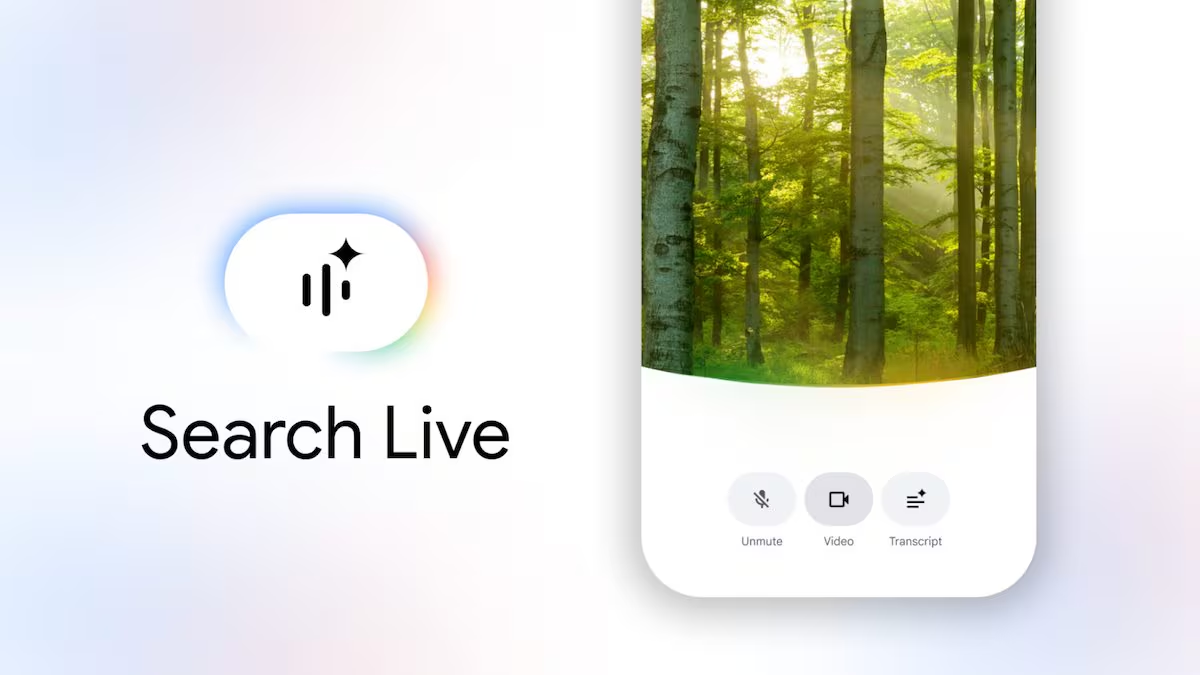
In fact, just open the Google app, select the Live option under the search bar and follow the initial instructions. During the conversation we can manage various aspects: deactivate or reactivate the microphone, interrupt the assistant’s response to insert new information, or change the topic dynamically. The interface also includes a dedicated control to activate the camera, which allows you to immediately switch from a vocal request to a visual analysis.
You can also start Live Search via the Google Lens app, Google’s visual recognition tool, which allows you to directly access the camera with the function already active. In this case, simply tap the Live button located under the shutter button icon.