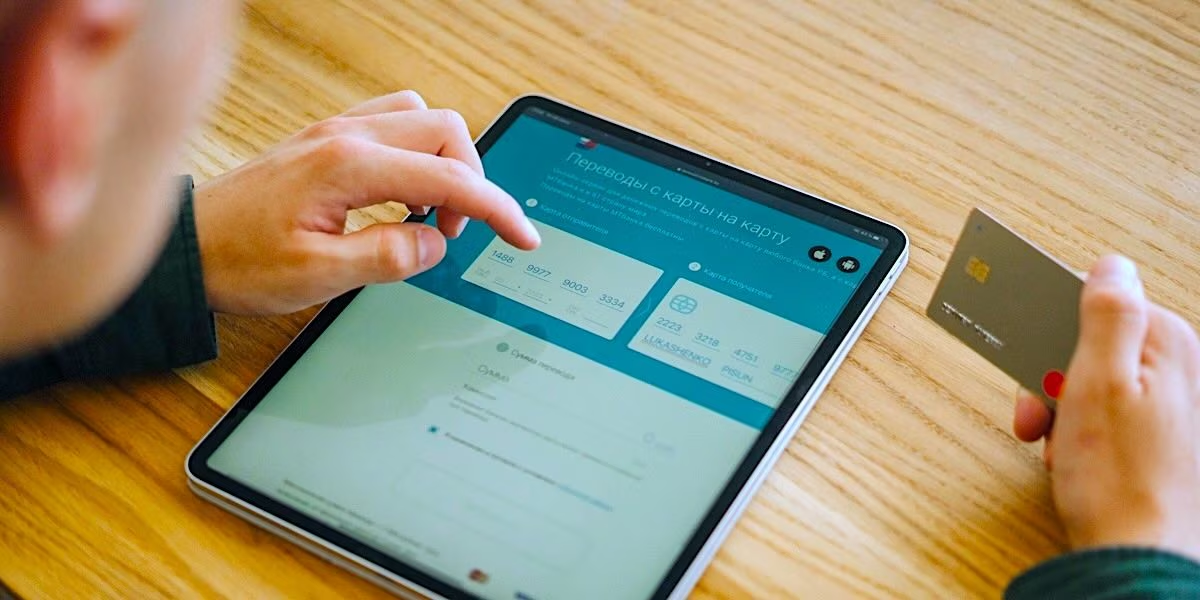
A text or phone call claims that a hacker has entered your bank account. According to the communication you received, your savings would be in danger and you should act immediately to secure them. How can you do it? By installing an app that will allow you to speed up your money to a “secure” current account. Too bad that by agreeing to this request you will be handing over your savings to the cyber criminals who have orchestrated to your detriment a sophisticated, but classic, example of phantom scam, also known as phantom hacker scam.
This particular type of computer fraud, or “secure account deception,” is constructed to make the victim believe that their computer, phone, or bank account has been compromised and is the victim of a hacker attack. Once panic is created, the criminals push the person to follow their instructions, even voluntarily transferring their money into their hands. So let’s see how to recognize phantom scams and what to do to defend yourself.
How to recognize the scam
These types of scams usually start with a fake tech support alert: a pop-up, text message or phone call informs you that your device has been infected with a virus. If you call the number indicated in the pop-up or SMS or if you answer the phone call received, a person (a fake technician) will be able to provide you with support to resolve the issue. This “support” will consist of helping you install remote access software, which is one of those programs that allow you to control other devices remotely.
At that point a second fraudster may enter the scene, who may pretend to be an employee of your bank. This may tell you that your account has been hacked and that you need to check your balance immediately to prevent your money from being stolen. The call may also appear authentic because criminals can spoof the caller ID using the spoofing technique.
Having previously installed the remote access software yourself, if you now continue to follow the instructions and go to check the balance on your account, you would allow cybercriminals to collect useful information, such as your home banking login details and thus they could be able to steal your life savings by transferring your money to a bank account that is not owned by you. In some variations of the scam, a third party may enter the scene, presented as a representative of a government agency or law enforcement. His job is to make the story even more believable and convince you that the danger is real. And in some cases they could induce the victim to send the money themselves to a “secure” bank account.
How to defend yourself from phantom hackers
Now that it is clearer how the attack occurs, let’s also see what defense strategies to adopt against phantom scams. The most important rule to follow is this: if you receive a call, a message or if an unexpected pop-up appears warning you of problems with your account or your device, stop and do not follow the instructions given to you by similar channels.
To go a little more specifically, this means that you must not install software or apps at the request of strangers and, of course, that you must not even grant anyone remote control of your device, not even if the person who asks you to do so is someone who appears to be your bank employee (as we have seen, scammers can even spoof caller ID to simulate authentic contacts).
If you really doubt that your account has really been compromised, contact the bank on your own initiative and ask for assistance from the latter’s customer care. Also remember that a bank or any other serious institution will never, ever ask you to move your savings to a “secure” account through a phone call. If anyone would like you to believe otherwise, they are certainly a malicious person.