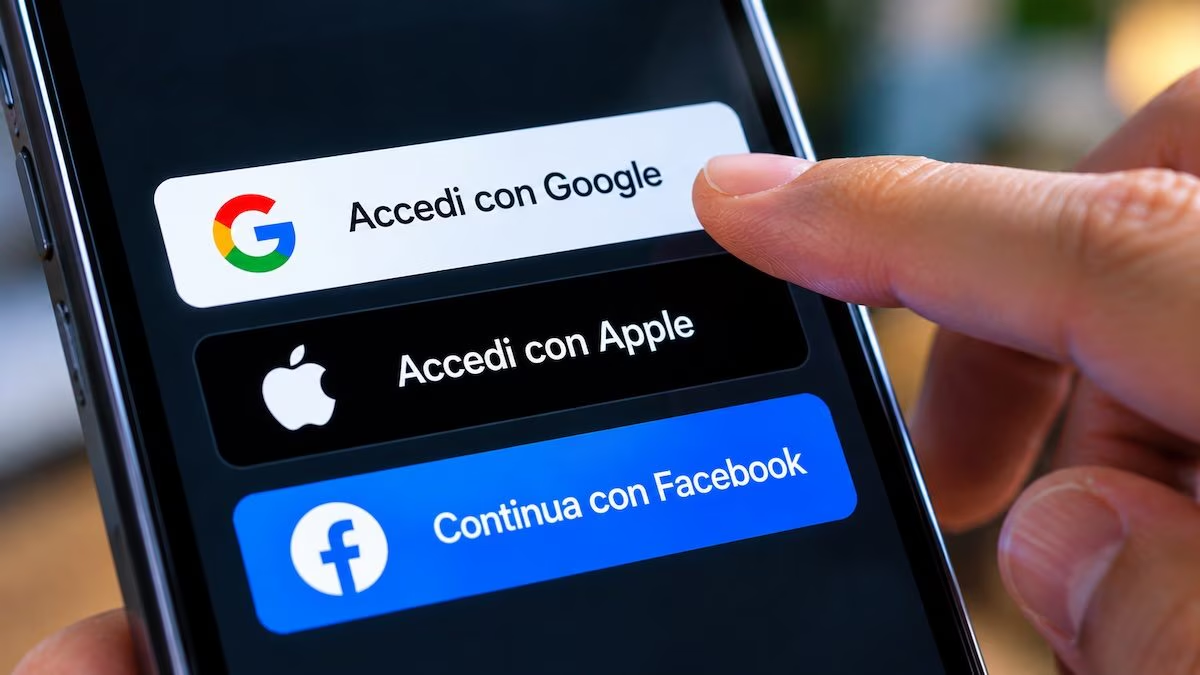
When a site or app asks you to register, an alternative to creating a new password often also appears: “Sign in with Google”, “Sign in with Apple”, “Continue with Facebook” or similar. It’s a convenient solution, but it doesn’t just save time. By choosing one of these buttons, in fact, some information from your account is shared with the service.
This does not mean that the site can freely consult emails, passwords, documents or personal messages. The data you receive depends on the platform used and any additional permissions required. This is why it is important to know which external services are connected to your account, as well as how to control or revoke access to them.
How access works and what data Google, Apple and Facebook share
When using one of these systems, Google, Apple or Facebook verify the identity of the person logging in. The target site can thus recognize the user or create an associated profile, without receiving the password of the main account. Operation is based on technologies such as OAuth 2.0, used to manage authorizations, and OpenID Connect, which allows the information necessary to confirm the user’s identity to be transmitted in a standardized way. Similar systems are also offered by other companies, such as Microsoft.
The difference between authentication and authorization is important. The former serves to prove one’s identity, while the latter allows an application to access specific data or functionality. The two operations can occur in the same procedure.
With “Log in with Google”, after consent, your name, email address and profile photo are communicated to the site or app. This information is part of the access system and cannot be excluded individually. The choice to log in with Google, however, does not in itself authorize you to read Gmail messages or documents stored in Google Drive. An app that wants to consult this content must request additional permissions. For example, a service that organizes appointments could ask for access to Google Calendar: in that case it is possible to evaluate the request before approving it.
“Sign in with Apple” allows you to choose whether to communicate your email address or hide it. During the first registration, the service may also request your name. If you select the option to hide email, Apple generates a random, unique delivery that forwards messages to your dropbox. The site can thus send communications without directly receiving the actual address. The company also declares that it does not use “Sign in with Apple” to track or profile activities carried out on third-party services. This, however, does not prevent an app from collecting other information during its normal use.
With “Continue with Facebook,” basic information includes your name, profile photo, and an application-specific user identifier. Additional authorization is required to receive the email address. Other data may only be available in the presence of the permissions provided by Meta. Login with Facebook, therefore, does not mean automatically allowing a site to read all posts or private messages.
Where to check links and how to revoke permissions
Over time, you may lose track of the services connected to your accounts. Google, Apple and Facebook allow you to verify them and, if necessary, disconnect them through different procedures.
For Google, the starting point is the links page with third-party apps and services. From here, by selecting the Sign in with Google tab in the View for section and then the service concerned, you can click on View details and choose the Stop using Sign in with Google command. The Access to item, present in the same area, allows you to view the applications authorized to consult certain account data. In these cases you can choose the Remove access option. On Android, the same section can be reached by pressing the Settings icon, selecting Google in the following screen and then the Manage your Google Account item. At this point, just move to the Security and access section and locate the area dedicated to connections with third-party apps and services, from which you can consult and manage them.
On iPhone and iPad, to see which apps use “Sign in with Apple” you need to select the Settings icon, tap your name and choose the Sign in with Apple item. Once you have identified the service of interest in the list, you can select it, check the information initially shared and choose the Delete option to stop using the authentication method. On Mac, however, you need to open System Settings, click on your name and select Sign in with Apple. From the browser you can carry out the same operation via account.apple.com, opening the Access and security section from the side menu and selecting Sign in with Apple. Users of the Hide My Email feature can also disable message forwarding for an app from its settings, without necessarily breaking the connection.
For Facebook, both from the website and from the app, you need to call up the menu, choose the Settings and privacy item, then Settings and finally open the Apps and websites section, in the area dedicated to activities. The services connected to your account are listed here: by selecting one you can examine it and, if necessary, choose the Remove button to break the connection.
What to pay attention to before authorizing or unlinking an app
Before granting authorization, it is best to check which data is requested and for what reason. An app that only serves to identify the user may not need to consult documents or calendar appointments. Some additional permissions may be needed for specific functionality, but it should be clear what they are for. Furthermore, the presence of these buttons does not guarantee the reliability of the developer. In fact, authorization requests can be exploited for malicious purposes, as shown by the case of the theft of Andrea Galeazzi’s Google account.
Revoking a connection, however, does not automatically delete data already shared. To request deletion it may be necessary to intervene directly on the service, through the profile settings or by contacting the manager, taking into account any conservation obligations established by law. The account created on the site or app, in fact, is distinct from the one used to log in.
Before disconnecting an app, it is also a good idea to check whether it will still be possible to access it. If that was the only login method you used, you may need to set a password or other authentication method, when the service allows it.
Another risk is fake login screens. A fraudulent site can imitate official pages to convince the user to enter their credentials. It’s a phishing technique: before typing your password, you should check the web address and be wary of links received in unexpected messages.