The composition of the digital terrestrial offer is changing in various parts of Italy, with changes to channels, frequencies and numbers involving, among others, Rai, Mediaset, Cairo Communication and Persidera. This means that, if you have noticed some strange “movements” on your television, for example duplicate channels or even missing channels, it is likely that the phenomenon you have encountered is attributable to these changes.
To resolve this issue, simply have the digital terrestrial of your television or decoder perform a new automatic search for channels. Within a few minutes at most, with this procedure, you will have updated the channel list and should have solved the problem.
In any case, the first channels of the national numbering do not change: Rai 1 remains on 1, Rai 2 on 2 and Rai 3 on 3, followed in order by Rete 4, Canale 5, Italia 1, LA7, TV8 and NOVE. Between channels 10 and 19, however, there are the local broadcasters.
How channel numbering works on digital terrestrial
The main digital terrestrial numbering, i.e. the LCN system (Logical Channel Number), which assigns each TV broadcaster a specific number of channels, between 1 and 999. This system obviously continues to place Rai 1 HD on number 1, Rai 2 HD on 2, Rai 3 TGR Regione on 3, Rete 4 HD on 4, Canale 5 HD on 5, Italia 1 HD on 6, LA7 HD on 7, TV8 HD on 8 and NOVE on 9. Positions from 10 to 19 are instead reserved for local broadcasters.
However, by scrolling through the list, multiple versions of the same channel may appear. Rai 4, Rai Premium and Rai News 24, for example, may be present on different numbers, while different versions of the high definition channels are concentrated in the channels that are in the 500 range. The duplications are also linked to the technological transition phase towards DVB-T2, the second generation of the European standard for digital terrestrial.
DVB-T2 allows you to use frequencies more efficiently and transport a greater amount of data. This allows you to broadcast more high definition content and more advanced services, including 4K. In 2026 Rai 4K also arrived on digital terrestrial: the channel was activated on position 101 through the national DVB-T2 network and uses Ultra HD resolution and HEVC Main10 coding.
How to tidy up the digital terrestrial channel list
To update the program list you need to enter the TV or decoder menu and look for the section dedicated to channels. The procedure varies depending on the manufacturer of your TV. In principle, you can achieve this by doing this.
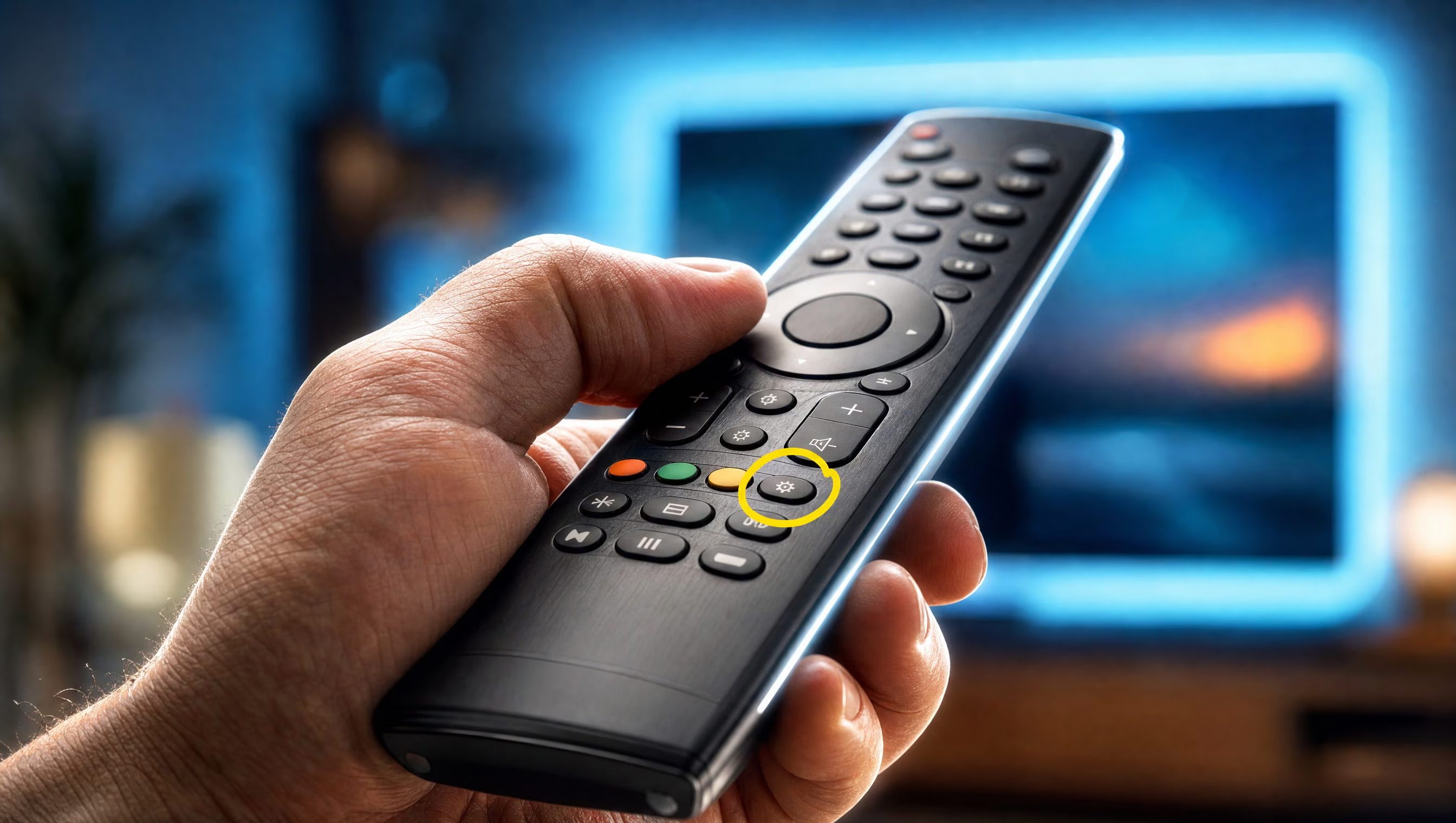
- Turn on the television and/or decoder and press the Menu or Settings button on the remote control.
- Find the option Television settings, Channels, Broadcast or other similar wording, navigating the TV menu using the directional arrows. If you have any doubts about the specific wording of your TV, do a Google search using terms like “settings to update TV channel list (brand of your TV)”.
- Choose the channel search option – it might be called Auto Retune or something similar.
- Confirm the start of the channel search by clicking on the appropriate button, wait for the procedure to be completed and possibly agree to save the changes to the new channel list if you are asked to do so.
During the procedure we have just described, the television again analyzes the frequencies received from the antenna, identifies the available multiplexes and reconstructs the program list. A multiplex, often abbreviated to Mux, is a real digital container within which several television channels, radio stations and other services can be broadcast simultaneously. For this reason, a change to the composition of a Mux can determine the movement of a channel, the arrival of a new version or the appearance of a copy in the list.
Once the scan is complete, the LCN system will automatically assign the programs their positions. If you continue to see duplicates, you can then accept the automatic numbering and then manually move the channels you use most often.
However, if some HD programs do not appear or the HEVC Main10 test on channel 200 is not displayed correctly, the problem may be with the TV’s compatibility with the latest standards. Keep in mind, however, that devices purchased from 22 December 2018 fall under the commercial obligation to support DVB-T2 and HEVC coding.