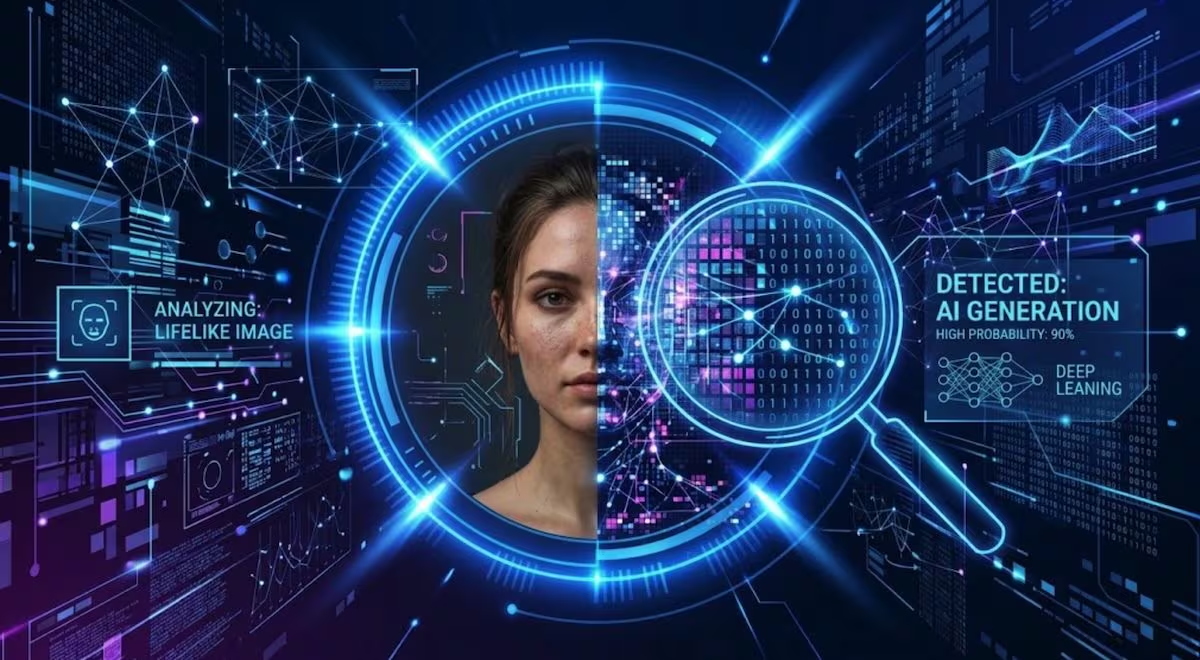
Google has just made public SynthID Detector, one of the most advanced systems for recognizing content generated by artificial intelligence, which checks watermarks in images, videos and audio and from now on it finally becomes accessible to everyone. For the record, SynthID is a technology developed by Google DeepMind that inserts an invisible signal into pixels and sound components during generation. Apply a watermark and identify AI-created content by embedding digital watermarks. But be careful: no AI detecting tool – including Google’s obviously – is infallible and can tell us with mathematical certainty if a photo is real or if it is artificially generated and later we will see why these tools are not perfect. In the meantime, starting from the new tool released by Google, let’s review the best tools for identifying images made with AI and discover how each of these works.
SynthID Detector
Let’s start with SynthID Detector. This tool allows you to upload images, videos and audio and check for the presence of the invisible SynthID watermark, a digital signal that is inserted directly into the AI-generated content. Unlike regular metadata, the watermark is embedded in the pixels and better resists many changes.
This detector not only checks content generated with Google’s generative technologies: it also supports SynthID watermarks also adopted by OpenAI, NVIDIA and Kakao, while Apple should be added later. If the watermark is detected, there is a concrete indication that a compatible AI system is involved. However, there is a limit: SynthID does not say how much of the image was generated by AI. In fact, a real photo edited with AI and an image created entirely from scratch can both be associated with a watermark and marked as AI-generated.
To use the tool, simply connect to this page, drag the file to be examined into the Upload a file for detection box (or click on the Select file button and choose the source from which to take the suspicious image), log in to your Google, Apple or ChatGPT account and wait for the detection to be started and completed.
OpenAI Verify
If you suspect that an image was created or modified with ChatGPT, Codex, or the OpenAI API, it may be helpful to use the OpenAI verification service. This tool searches for information that helps reconstruct where a file came from. Controls both C2PA-based Content Credentials and SynthID watermarks.
Using this tool is also very simple. Just go to this page, drag the file into the Upload a file box (or click on the upward arrow symbol and manually select it from the folders of the device in use) and wait for the response.
Adobe Inspect
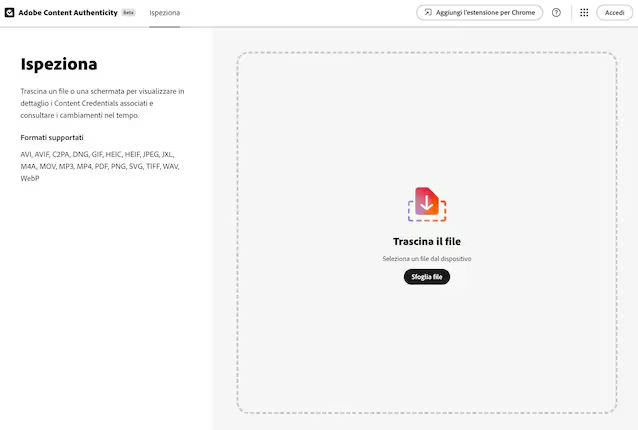
Another tool to take into consideration is Inspect by Adobe Content Authenticity which allows you to analyze the aforementioned Content Credentials. It is one of the most useful systems for distinguishing, when data is available, a simple modification from a more complex creation process. However, there is a limit: metadata can be removed when editing or sharing online. The absence of Content Credentials therefore does not prove that a photograph is authentic.
To use the tool, drag the file you want to analyze into the Drag the file box or click Browse file and select it from the location where it is saved. Then wait for the result of the analysis carried out by the instrument.
More AI-generated content detectors
Then there are services such as Isgen.ai, ZeroGPT Image Detector and Undetectable.ai which, instead of looking for a watermark intentionally inserted by the generator, analyze characteristics and patterns of the image to estimate whether they are compatible with an artificial generation. But the truth is that neither these generic tools, nor the tools we analyzed before are infallible. At the moment there is no tool that can tell us with absolute certainty whether an image is real or fake.
Invisible watermarks, such as SynthID, can for example be altered. An image created with an open source model or with a service that does not adopt them will be “clean” even if it is entirely artificial. And even when the watermark is there, screenshots, crops, recompressions, important photo editing actions, are all things that can weaken the action of the watermark.
Generic detectors, on the other hand, usually make an estimate of how much an image resembles those produced by AI. This means that they can mistake highly retouched photos or illustrations for fakes, and brand as “non-artificial” images generated by latest generation AI models, which have become better at creating realistic content.
Then there is the gray area of real photos modified with AI: the tools could report them as “generated by AI” without telling us what has been changed.
The advice is therefore not to stop at just one verdict, but to do more tests to try to trace the origin of a photo.