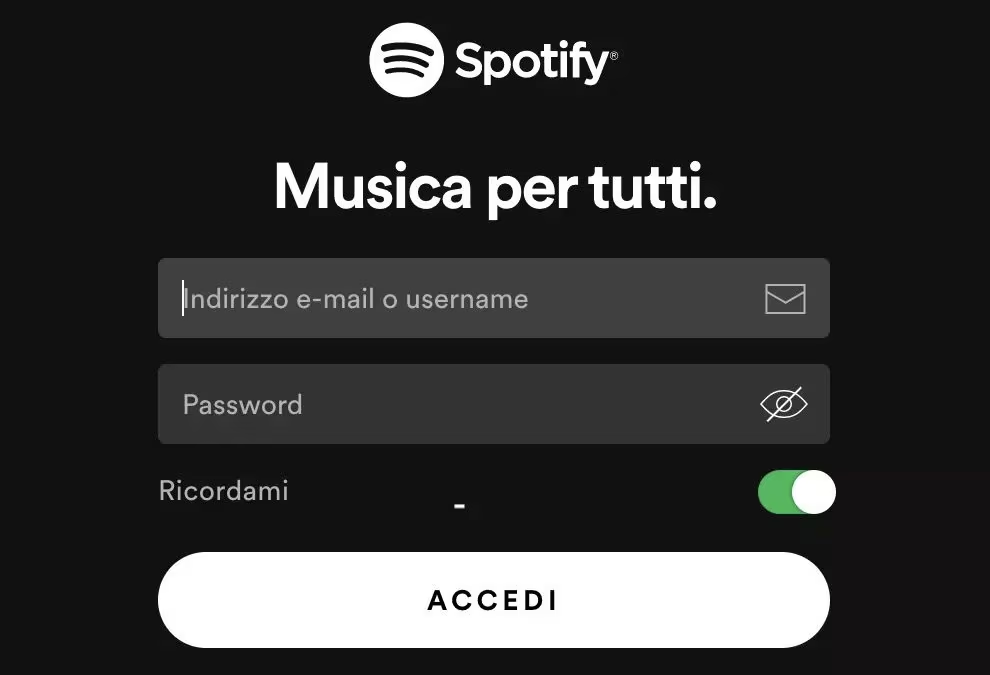
Starting September 1st, Spotify will change the way you can log in to your account. The Swedish platform has announced that usernames will be definitively retired as a login method and, alternatively, to enter your profile you can only use the e-mail address associated with the account or one of the social access systems already available, such as Google, Apple and Facebook.
The platform, in a communication it is sending via email to its users, announced:
We’re making a change to how you access Spotify. Starting September 1, 2026, you will no longer be able to log in with your username. Alternatively, you can log in via your email.
Do you prefer to use a different email address? You can change this in your account settings or by tapping the button below.
Let’s see, based on these indications, what changes, what remains unchanged and how you can understand if you should adjust your account settings so as not to lose access to your favorite music.
What changes and what remains unchanged on Spotify
First of all, an important clarification for those who fear the worst: playlists, saved songs, personalized algorithms and the entire music library built over time will not be touched in any way. This is a purely technical change to the access infrastructure, not a total reorganization of the content.
Furthermore, those who already log in via email and password, or through a Google, Apple or Facebook account, will not have to do anything at all. The situation changes, however, for those who still rely on the old access system based on the use of a username. In that case, it is necessary to act before the deadline, because from September 1st those credentials will no longer be recognized by Spotify’s systems, with the real risk of finding yourself temporarily blocked out of the account. In an official note, in fact, Spotify explains bluntly:
If you don’t have the correct email address or other login method on your account (after September 1st, Ed.), you won’t be able to log in.
How to check your situation
To avoid bad surprises or unpleasant inconveniences, you must therefore check your situation now. To proceed, follow these instructions.
- Go to this page and log in in the usual way.
- Click on the Edit personal information option (in the Account section).
- Make sure the Email field is filled in with the correct email address. If the email is incorrect or belongs to an old account that you no longer use, update it immediately and remember to save the changes.
- If you have not found an email for access indicated in the section in question, go back, scroll the page you are on until you reach the Security and privacy section and click on Edit access methods.
- Click Add next to the option you want to activate and follow the instructions that appear on the screen to complete the wizard.
The system may require a new authentication for security reasons, after which the new mode will be added to the list of available accesses.
Even if you still have two months to sort everything out, a more than reasonable margin, we suggest you don’t put off these checks for too long: a few minutes today can avoid the annoyance of finding yourself without music when you return from summer holidays.