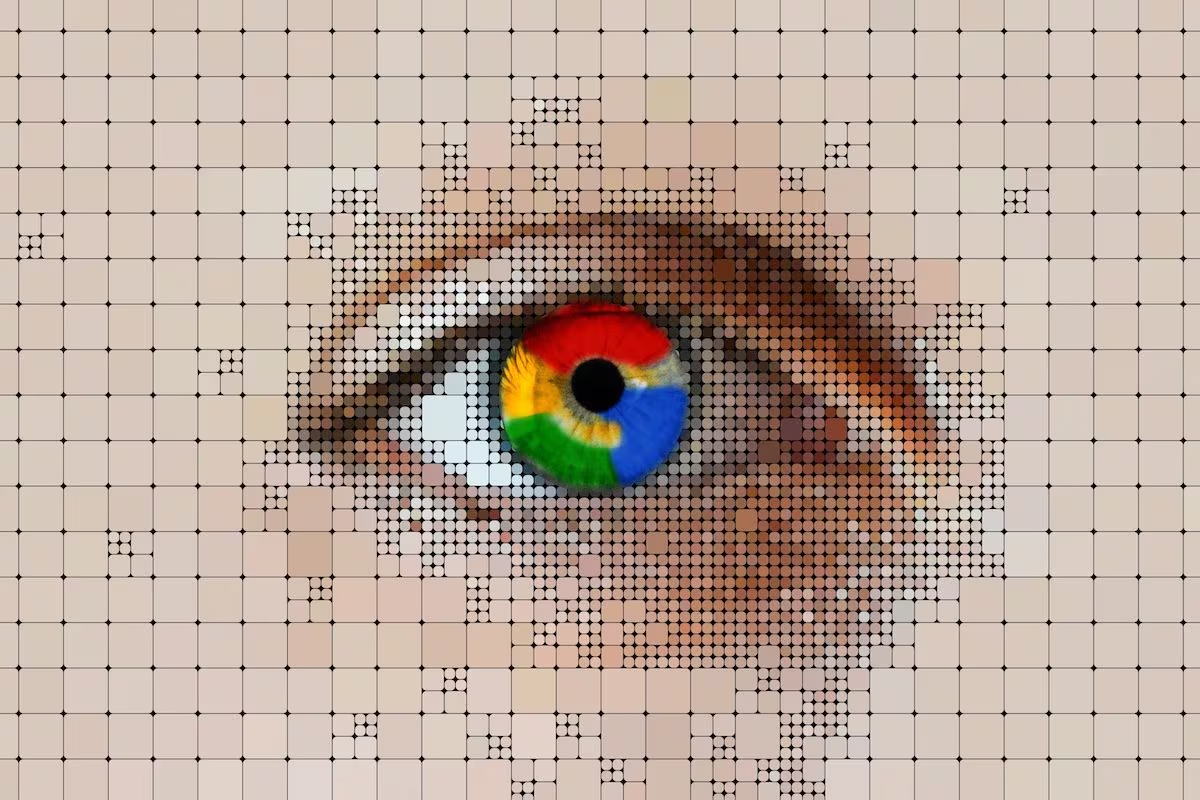
Google has updated some settings related to the history of its search services and the news also affects the use of the information collected to improve functions based on artificial intelligence. We are not only talking about the searches written in the engine bar, but also about some materials uploaded or used during interaction with the company’s platforms, such as images, files, audio and video recordings. The point is that, if certain options are active, these elements can be saved in the history of research services and used to develop and refine the group’s products, including generative AI models. This does not mean that any photo or document on your smartphone, tablet or computer is automatically taken to train artificial intelligence: the issue concerns the activities carried out in Google services when you are connected to your account and when the related settings are enabled.
What changes with the history of Google search services
This new area of the account is used to manage the saving of activities performed on various tools related to the search for information. It not only concerns the search engine, but also other Google products such as Maps, Shopping, Flights, Hotels, Translate and News.
This section can include queries you type, results you see, responses generated by AI-based features, and some general location data. The most delicate aspect, however, concerns the saving of multimedia contents, i.e. images, files, audio and videos used during some interactions with the Google ecosystem.
A simple example is Google Lens: when you upload an image to search for information about an object, place or text, that material can be associated with your search history if the option is enabled. The same can apply to voice recordings, Search Live audio, documents uploaded to get a response, or content used in some Google Translate features.
According to company documentation, this information can be used to provide, develop and improve services, including training generative AI models. Before being used for training or reviewed by specialized providers, the contents are disconnected from the user’s Google account. This step reduces the direct connection with the personal profile, but does not eliminate the issue of control over what is shared with digital platforms.
What data can be used to update the AI
The information involved is not all the same. On the one hand there are textual activities, such as searches, selected suggestions, displayed AI responses and transcriptions, on the other the materials uploaded or used during interaction with some tools connected to the search.
However, not all content falls into this category. Google specifies that the media content saved does not include that generated or modified with AI, nor that managed by separate services such as Gemini, YouTube, NotebookLM or Google Voice. Additionally, materials shared publicly in search services, such as photos added to reviews, are not included.
The distinction is important because the Mountain View giant’s privacy settings are distributed across multiple sections. One part concerns the history of search services, another the personalization of the experience and still others specific products such as YouTube, Maps or ads. For this reason it is useful to first understand which data is involved and then, in the next section, where to intervene.
Because the platform uses photos, images and user searches
AI models need large quantities of examples to improve understanding of text, images, audio and other formats. In the case of search services, the company claims to use this information to make answers more useful, personalize the experience, develop new features and increase system security and reliability.
From a technical point of view, different types of content help AI systems recognize different patterns: visual elements, spoken language, texts in documents and naturally formulated requests. It is precisely this variety of examples that makes the tools that interpret images, audio and textual content more effective.
The issue, however, is not just technological. More and more everyday services integrate AI-based functions, such as searching for information, translating, recognizing images, getting summaries, generating answers or interacting with conversational assistants. Consequently, the amount of material potentially useful for their development also grows.
For users, the focus is awareness. Many people use Google every day without checking their account settings in detail. A change of this type can therefore go unnoticed, especially if it is found in less frequented menus.
Which imports to disable in your account to prevent media use
To limit the saving of images, files, audio and videos you need to go to the History section of the search services of your Google account and choose whether to deactivate the history completely by clicking on the History is saved item at the top and selecting the Deactivate option from the following menu, or whether to keep it enabled but deselect the Save multimedia content option.
In the first case, subsequent activities in search services will not be retained in the account and will not be used to train generative AI models, except in specific situations such as voluntary feedback submission. In the second, however, the company will stop saving new media, but will be able to continue to maintain other elements of the history, such as text activities, transcriptions or information on interactions.
You then need to reach the Personalization of search services section and deactivate the switch next to the Personalize Search option. This prevents Google from using the information associated with your account to personalize results, suggestions, news feeds, AI responses and other content shown during browsing.
One thing that should not be overlooked is that these settings are being rolled out gradually. If the page displayed still does not correspond to the one described by Google, history and personalized suggestions from search services continue to be managed through the Web and app activity section. This means that modifying just one section may not be enough and to have more complete control it is best to also check the other account pages dedicated to YouTube, Google Maps, personalized ads and various chronologies.
What happens after deactivation
Turning off these options doesn’t stop you from using Google. You can continue to do searches, use Google Maps, translate texts, search for images or take advantage of the available voice functions. The difference mainly concerns the saving of new activities in the account and their possible use to improve AI models.
However, there may be effects on the user experience. Some results may be less personalized, suggestions may be less relevant, and some history-based features may be more generic. It’s the classic compromise between convenience and data control. The more information is saved, the more the services can adapt to the user’s habits, while the fewer elements are kept, the more control you have over your activity.
The news should not be read as an alarm, but as an important reminder: with the expansion of artificial intelligence into everyday services, privacy settings become increasingly central. Checking them periodically is the easiest way to understand what information is saved, what purposes it can be used for and what permissions can be revoked.