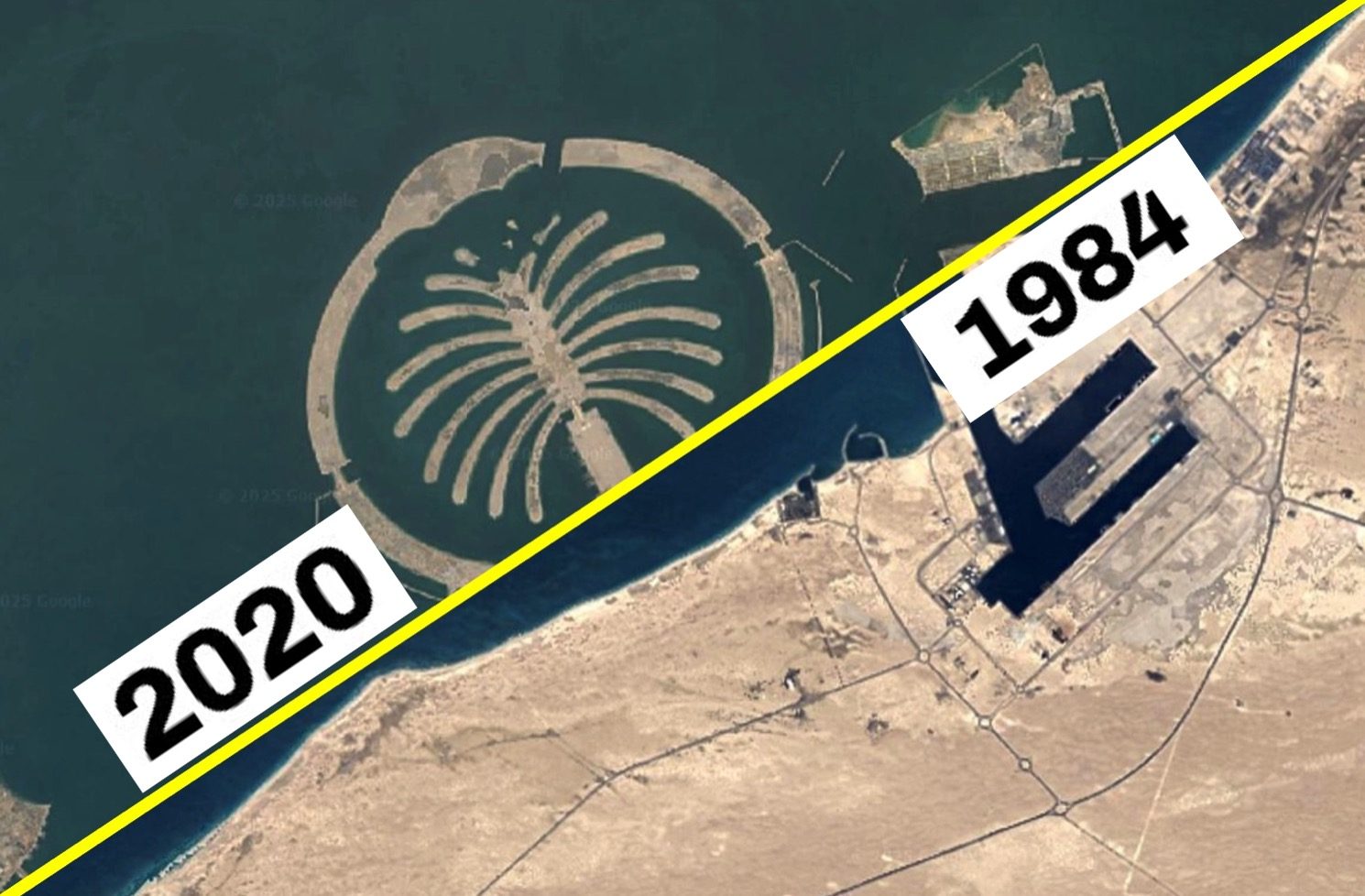
Google Earth does not show the world only as it is now: the Mountain View software allows you to “go back in time” in the satellite and aerial photos to see how a certain area was presented at different times also thanks to historical images. The option that allows this “magic” is accessible through a temporal cursor that makes the consultation of the satellite maps produced in the decades and available in a given geographical area easy, thus allowing to compare the urban and demographic expansion of the metropolis, the dissolution of the glaciers, the deforestation, and so on. In this article we will explain in a practical way how to activate and use this function. Then we will also provide you with some practical examples of how some areas have changed following conflicts, urban development or climate change.
How to “go back in time” with Google Earth and see the old satellite images
To access the chronology of the images, follow these simple steps.
- Go to the main page of Google Earth and click on Earth.
- Look for the location that interests you in the field of research at the top, possibly selecting the correct suggestion.
- Click on the View item (up) and select the Show historical images option.
- At the top of the page, move the cursor along the time line to indicate the year that interests you.
- To close the viewing of the historical images, return to the View menu and select the Child Historical Images option.
If you have downloaded Earth’s mobile application, you can proceed in this other way:
- Start the Google Earth app.
- Type the name of the location of your interest in the field of research at the top.
- Tap the square at the top right.
- Activate the historical images option from the basic map settings screen.
- Move the cursor along the time line to get to the year that interests you and, when you want to return to the classic display, return to the basic map settings screen and deactivate the option relating to the viewing of historical images.
How some places have changed over time: historical images
Here are some examples of remarkable changes in the world due to conflicts, climate change and urbanization.
Ukraine

Gaza
Las Vegas

Shanghai
Dubai

Amazonian forest
Mont Blanc glacier