The Traffic Police has made available a new online service that allows you to consult and pay fines. The new administrative sanctions portal not only allows the payment of the fine via the pagoPA system, but also allows the sending of the documents necessary to communicate the driver’s data or to deny ownership of the vehicle. The service, therefore, brings together the entire administrative process linked to a fine in a single access point.
Online fines, digital reports and access to documents: the new Police service
One of the most useful functions concerns the viewing of minutes notified via SEND, the Digital Notification Service with which the Public Administration sends communications with legal value in digital format. The documents received can be consulted directly from the portal, without the need to retrieve paper copies or go to any office.
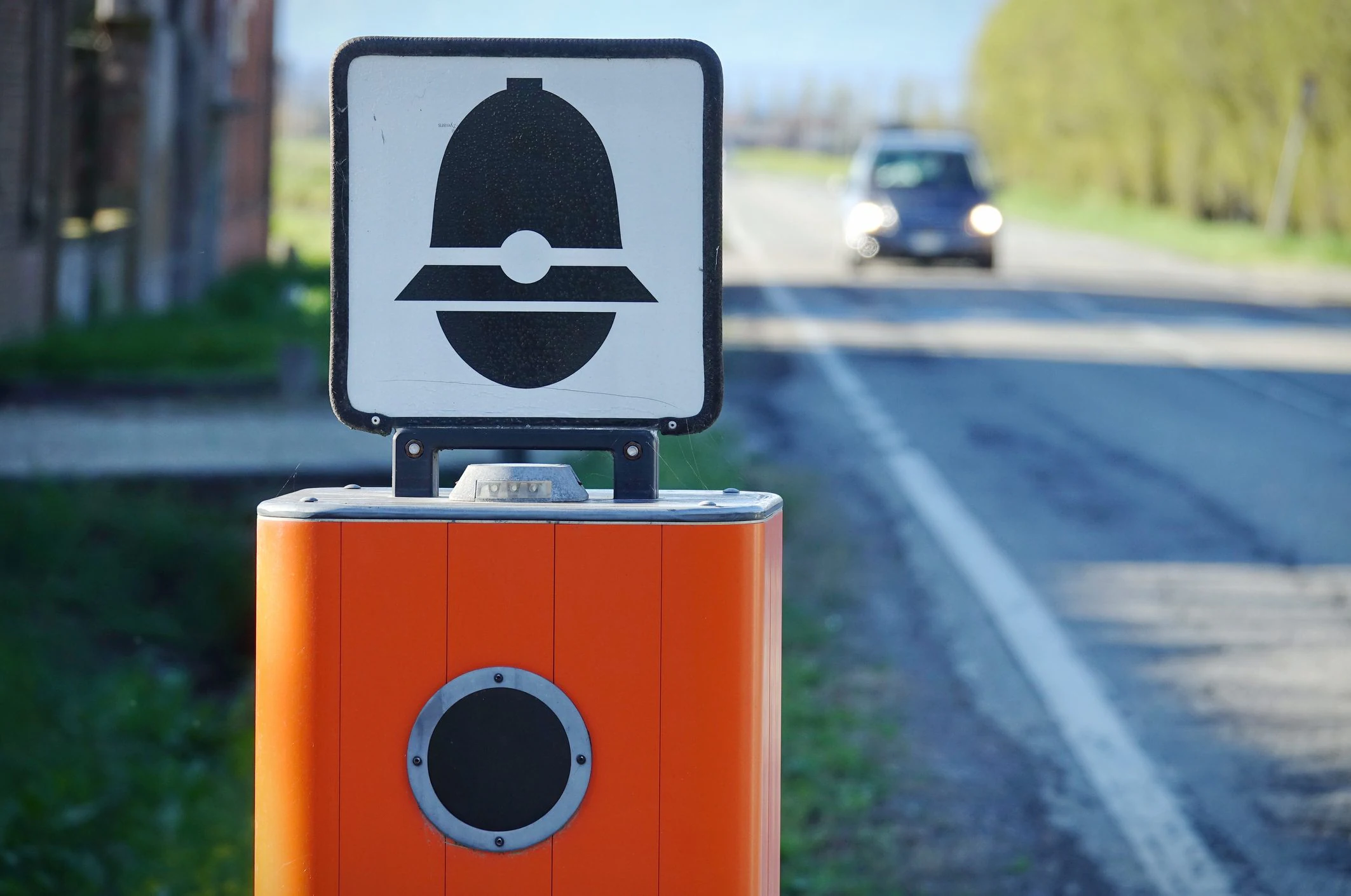
When the violation has been detected by tutors or speed cameras, it is possible to request access to the documents and view the frame acquired by the device used by the officers to detect the violation, which constitutes an integral part of the documentation.
As mentioned before, for infringements that lead to the deduction of points from the license or the suspension of the driving document, it is also possible to communicate the driver’s details at the time of the infringement or declare that you are not the owner of the vehicle involved. Everything directly from the platform, in a super simple and convenient way.
Having consulted the report, you can immediately proceed with the payment via PagoPA, the national system for digital payments to the Public Administration.
The portal also guarantees transparency on the status of the cases. The updates can be consulted directly online and, if you provide an email address when requesting access to the documents, the notifications also arrive in your email inbox.
How to use the portal and see the administrative sanctions
Using the service provided by the Traffic Police is very simple and we have summarized it in these few steps.
- Go to the Administrative Sanctions – Traffic Police portal, which can be reached via this link.
- Click on Access personal area.
- Select the SPID or CIE tab, depending on the way you want to log in, and then click on Log in with SPID or Log in with CIE (depending on how you intend to log in) and then follow the on-screen instructions to complete access.
- On the page that opens, in this case in the History of minutes section, you will be able to consult the minutes notified via the SEND platform starting from 4 October 2025.
- If there are reports against you, click on them and then take advantage of the various options available to pay it or upload documents.