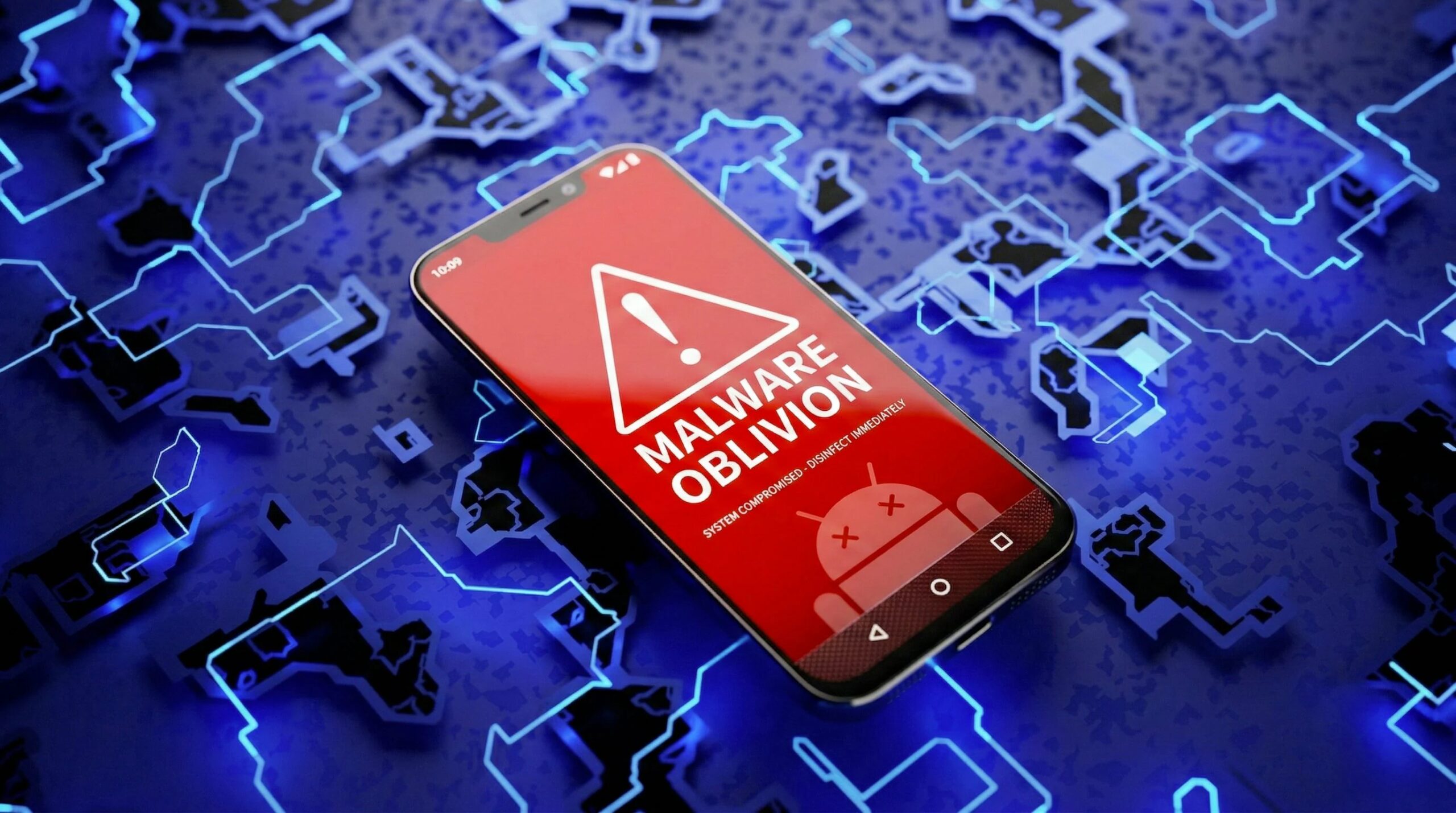
Oblivion is Android malware that is sold by subscription on hacking forums, starting at $300 a month, and promises those who purchase it remote, invisible control of almost any Android smartphone out there. We are not talking about a simple virus, but about a RAT (Remote Access Trojan), that is, a remote access trojan: a category of malware designed to allow an attacker to observe and control a device remotely without the user realizing it. The analyzes conducted by security researchers at Sure Software (cybersecurity company) indicate that Oblivion is not yet another recycled tool from the cybercriminal underworld, but a platform developed from scratch, curated and designed to systematically bypass many of the protections introduced in recent years by Android.
The malware is openly promoted on hacking forums, accompanied by demonstration videos, and targets operating system versions from Android 8 to Android 16, effectively covering almost all devices currently in circulation. Its danger does not lie in a single revolutionary function, but in the combination of several elements: installation facilitated through social engineering, automatic granting of sensitive permissions, hidden remote control, widespread data collection and a persistence that makes removal extremely complex. What makes the situation even more critical is the “turnkey” commercial model: those who pay do not receive the source code of the malware, but continuous access to a simple to use service, which drastically lowers the technical threshold necessary to conduct advanced cyber attacks. Let’s see in more detail how Oblivion works and how to defend itself.
How Oblivion malware works
Oblivion arrives on the device through a dropper, which is a seemingly harmless application whose sole purpose is to install the actual malware. The system exploits social engineering techniques, i.e. the psychological manipulation of the user, showing fake update notices that imitate those of the Google Play Store and invite you to enable installation from “unknown sources”, a function that allows you to install apps outside the Play Store itself. Once installed, the most technically relevant aspect comes into play: the automatic assignment of permissions. Normally Android requires explicit consent for critical permissions such as Accessibility services, a feature created to help people with disabilities interact with the smartphone. However, if abused, this service allows you to read what appears on the screen, simulate touches, intercept what you type and even block security windows before they are visible. Oblivion, according to the analyzed demonstrations, manages to obtain these privileges without any user interaction and even on customized software interfaces, such as those from Samsung, Xiaomi and OPPO.
Remote control is via VNC (Virtual Network Computing), a legitimate technology for the remote management of devices, however declined in HVNC mode which, as security researchers explain, is nothing more than «a version (of VNC) that runs a completely separate, hidden session that is not visible to the user». While a convincing “system update” animation appears on the screen, the attacker operates in the background. Thanks to these capabilities, Oblivion can read and send SMS, intercept two-factor authentication codes, record every input via a keylogger (software that captures what is typed on the keyboard), access files and installed apps, and automatically unlock the phone even after a reboot. Persistence is guaranteed by self-recovery mechanisms and complete hiding of the app and processes, making many manual removal attempts ineffective.
How to defend yourself
To defend yourself from Oblivion you don’t need to do who knows what: in many cases it should be sufficient to follow some basic security rules, which we list below.
- Install apps and updates only from the Play Store: we avoid installing APK files from external sources except in exceptional and fully aware cases, as the majority of RAT infections arise from sideloading, i.e. the manual installation of apps outside the official Google store.
- Be critical of unexpected update requests: No legitimate app asks you to enable unusual procedures or bypass normal distribution channels.
- Periodically check accessibility permissions: this can be done from the Settings > Accessibility section of Android. From here we will then need to remove any app that we do not recognize or that does not have a clear reason for being present.
- Do regular security scans: On Android it is essential to use reliable security scanning tools, which can help identify anomalous permission configurations and hidden processes, typical signs of the operation of malware such as Oblivion.