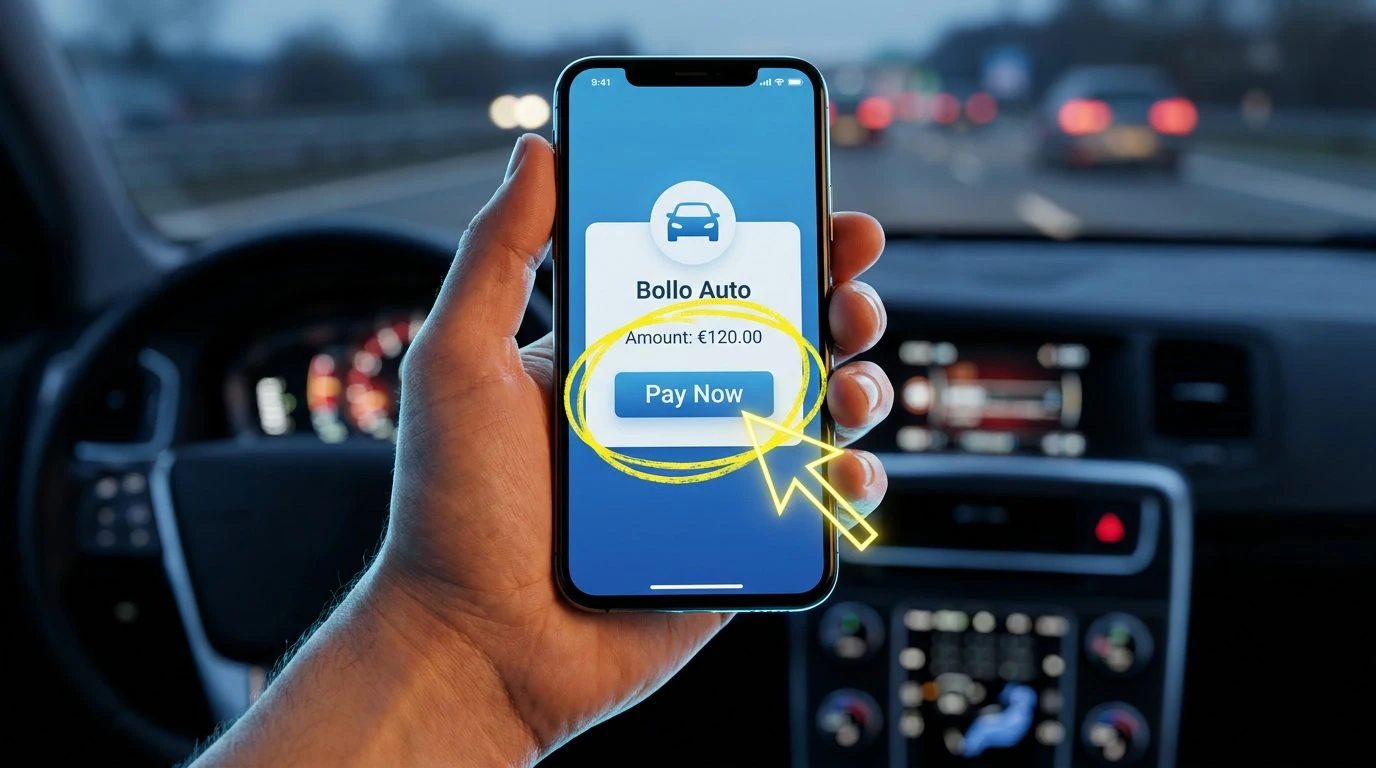
The IO app, the official platform of the Italian Public Administration, available free of charge for Android and iOS, allows you to receive reminders about the expiration of your car tax and pay it directly from your smartphone. This system uses PagoPA, the digital payment platform towards the PA, to allow quick transactions with card or current account. The IO app therefore allows you to manage your car tax in a simple and completely digital way.
The service, however, is not available throughout the national territory: it only works in the Regions and Autonomous Provinces that have signed an agreement with ACI (Automobile Club of Italy) for the management of car taxes. It is therefore worth checking in advance whether your region of residence is among those authorized by consulting the list on the ACI official website. Those who meet this requirement can manage a large part of the procedures related to the stamp duty without physically going to a counter, with a considerable saving of time and the possibility of remedying any omitted payments before heavier penalties are triggered. So let’s see how to receive car tax payment alerts in the IO app and pay it online.
How to pay your car tax with the IO app
To get started, you must first activate the service within the IO app. These are the steps to follow.
- Open the IO app and log in.
- Tap the Services tab and search for “aci”.
- After selecting the ACI wording, tap Car Tax and scroll the screen to the bottom, then making sure to move the switches next to the items Contact you in the app, Send you push notifications and Receive read receipts to ON.
At this point, when the car tax payment is approaching you will receive a notice several weeks before the deadline. To proceed with the payment, simply open the notification in question (which will however also remain available for consultation in the Messages section of the IO app) and tap the Pay button.
In the screen that will open at this point, you will see the details of the creditor institution (i.e. ACI), the object of the payment (which among other things will contain some data of your vehicle and your tax code) and the related amount, in addition to the notice code and the tax code of the institution. Once you have read this information, tap the Go to payment button, select the method with which to pay the tax, press the Continue button and follow the instructions that appear on the screen to complete the procedure.
How to pay the tax arrears with the IO app
A less well-known but equally useful aspect concerns omitted or irregular payments. If for any reason the tax has not been paid by the deadline, the IO app can deliver a specific notification informing of the irregularity and which allows you to regularize your position by paying reduced penalties and interest, before the competent body issues a formal assessment or an order for payment, the latter measure which involves significantly higher costs. It is, essentially, a concrete opportunity to avoid more serious consequences by acting more promptly.